How to promote your 3D menu on social media: clip and post ideas
A dish rotating on screen or appearing on a table in augmented reality is exactly the kind of image that stops the scroll. A 3D menu isn’t just a tool in the dining room; it’s raw material for promotion. Here is how to turn it into clips and posts that bring guests to your tables.
Why 3D works on social media
Social networks reward images that surprise in the first seconds. A dish appearing on a real table through the camera, or a plate rotating 360°, is unusual for most people. It also shows exactly what guests get — portion, presentation, details — more convincingly than a retouched photo.
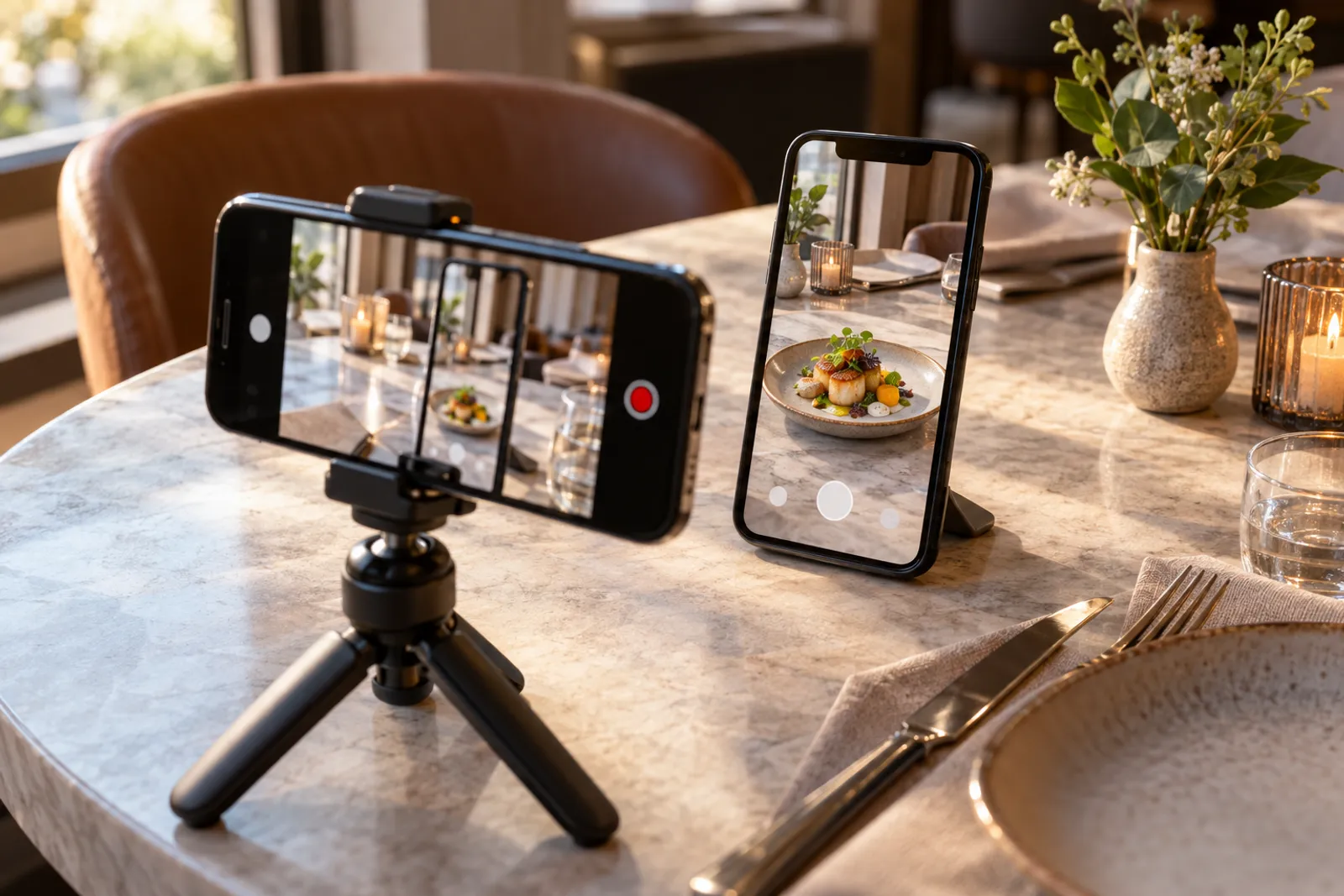
Six clip ideas
- “See it before you order”: film the phone placing the dish on the table in AR, then the real dish brought by the waiter in the same spot.
- The 360° spin: the 3D model of the star dessert, rotating slowly, with short text: “Our house dessert, from every angle”.
- Guest reactions (only with their consent): someone seeing the dish on the table for the first time.
- Behind the scan: the chef circling the plate with a phone, then the finished model in the menu.
- The new seasonal menu: three new dishes, three seconds each in 3D.
- A short tutorial: “Scan the code, tap ‘See it on the table’, done” — useful for guests who haven’t tried it.
Static posts and stories
- an image of the dish in AR on the table with the text “Our menu is now in 3D”;
- a carousel with the month’s 3D dishes;
- a story with a direct link to the menu and the location tag;
- a “Guess the dish” story with the 3D model seen from above, and the answer the next day.
Put the menu link in your bio and on your Facebook page. Someone who sees the clip can open the menu on their phone before they even arrive.
Rhythm and organisation
For a restaurant, two or three clips a week on Instagram and TikTok and three or four posts on Facebook are a realistic start. Film several clips in one session during quiet hours and schedule them for two weeks. To create and schedule clips on several networks from one place, you can use a video clip and automated social posting app, with different captions for each network.
| Day | Content | Networks |
|---|---|---|
| Monday | “See it before you order” clip with a star dish | Instagram, TikTok |
| Wednesday | 360° spin of the dessert of the week | Instagram, Facebook |
| Friday | The weekend menu, with a link to the digital menu | Facebook, stories |
Filming tips
- film vertically, 9:16, with good light and a clean table;
- put text on screen from the first second — many people watch on mute;
- show the result first (the dish on the table), then how you got there;
- short clips of 10–30 seconds for first views;
- don’t film guests’ faces without their explicit consent.
What to measure
On social media, track full views, saves and shares of your clips. In the restaurant, ask new guests how they heard about you and note whether they mention the clips or the 3D menu. Also compare sales of the promoted dishes before and after the campaign — menu engineering helps you choose which dishes are worth promoting.
Your website, Google and the menu
Beyond social media, add the digital menu link to the restaurant’s Google profile and website. If the restaurant already has a site, add a visible “See the menu in 3D” button. The first steps towards a complete menu are in the 3D menu guide.
Collaborations and guest content
Guests who film the dish on their table in AR give you the most credible advertising. Encourage them discreetly: a note on the table stand (“Tag us? We share the best clips”) and the location tag in stories are enough. Share their content only with explicit consent and credit their account.
Collaborations with local food creators work well when they have something new to show. A menu in 3D and AR gives them exactly that: an angle their audience hasn’t seen before. Agree clearly what they get, what they post and when, and keep everything transparent for their followers.
Common promotion mistakes
- long clips with intros where the dish appears after ten seconds;
- 3D models that no longer match the current dish;
- no menu link in the bio or captions;
- posts only about the technology, without dishes and people;
- guest reactions filmed without their consent.
Frequently asked questions
Can I use the 3D models in social media clips?
Yes. You can film the phone screen with the dish rotating or placed on the table in AR and use it in clips and posts for your restaurant.
How often should I post about the 3D menu?
Two or three clips a week are enough to start; alternate with other content about the restaurant so it doesn’t feel like advertising only.
Do I need special equipment for clips?
No. A phone, a small tripod and natural light are enough for short vertical clips.
Read next
AR menu (augmented reality): how guests see the dish on their table
How an augmented reality menu works: which phones support it, how the dish appears at real size on the table, and what a restaurant needs to prepare.
Read → 15 October 2026 · 12 min readMenu engineering: how to grow sales with your menu’s structure and presentation
Menu engineering made simple: how to calculate dish margin and popularity, the four-zone matrix and how to apply the results in your digital menu, step by step.
Read → 5 October 2026 · 6 min read3D menu for restaurants: what it is, how it works and when it is worth it
What a 3D menu is, how dishes get into 3D (phone scanning or AI), how guests open it from a QR code, and how to start without special equipment.
Read →Try it on your own dish
The first 3D dish costs €1 and includes 30 days of Menu3D.