Menu engineering: how to grow sales with your menu’s structure and presentation
Two restaurants with the same dishes and the same prices can get very different results just from the way they build their menu. Menu engineering is the method that shows which dishes make you money, which only take up space and how to arrange them so they get chosen. You don’t need a consultant: you need a month of sales data and a free afternoon.
What menu engineering is
Menu engineering looks at every dish through two criteria: how often it sells (popularity) and how much you earn per portion (contribution margin, meaning the selling price minus the ingredient cost). Combining the two puts each dish into one of four zones, and each zone has a clear strategy.
The method doesn’t judge taste — it assumes every dish on the menu is good. It drives decisions: what you highlight, what you rework, what you reprice, what you remove. A digital menu makes applying it much easier, because you can move, highlight and test dishes without reprinting anything.
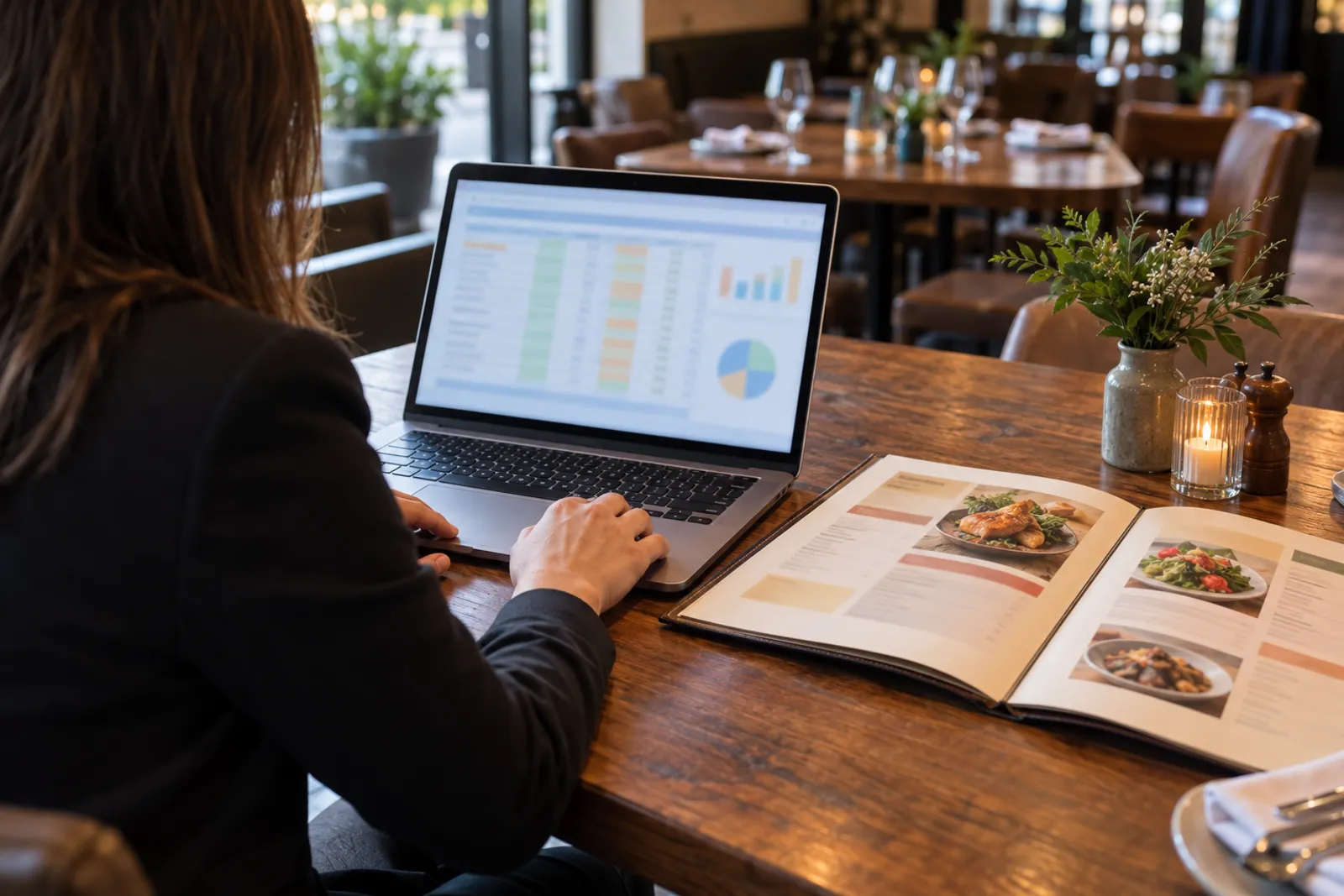
Step 1: gather the data
For every dish in a category you need three figures for the same period (ideally a normal month without holidays): portions sold, the selling price excluding VAT and the ingredient cost per portion (from the recipe card). Sales figures come from your till or ordering system.
Analyse categories separately: mains against mains, desserts against desserts, drinks against drinks. Comparing an espresso with a sharing platter makes no sense.
| Dish | Portions sold | Price ex VAT | Ingredient cost | Margin per portion |
|---|---|---|---|---|
| Classic burger | 420 | €9.50 | €3.50 | €6.00 |
| Truffle burger | 90 | €13.00 | €4.75 | €8.25 |
| Carbonara | 310 | €8.50 | €2.25 | €6.25 |
| Grilled salmon | 70 | €16.00 | €9.00 | €7.00 |
| Caesar salad | 260 | €8.00 | €3.25 | €4.75 |
| Mushroom risotto | 60 | €9.00 | €3.00 | €6.00 |
The figures in the table are an illustrative example, not real data from any restaurant. Replace them with your own.
Step 2: calculate the thresholds
Popularity threshold: a widely used method is 70% of the average share. With 6 dishes in a category, each would get 1/6 of sales if evenly spread; a dish counts as popular if it reaches at least 70% of that share. In the example: 1,210 portions in total, an average of 202, a threshold of about 141 portions.
Margin threshold: the weighted average margin per portion in the category, meaning total margin divided by total portions. In the example, the weighted average comes to roughly €6. A dish above that value has a high margin.
Step 3: the four zones
With the two thresholds, every dish falls into a zone. The classic names come from industry literature, but the strategy matters more than the label.
| Zone | Popularity | Margin | Strategy |
|---|---|---|---|
| Stars | high | high | Keep, highlight, don’t change the recipe |
| Plowhorses | high | low | Optimise cost or adjust price slightly |
| Puzzles | low | high | Present them better: position, description, image |
| Dogs | low | low | Rework or remove from the menu |
In our example: the classic burger and the carbonara are stars or close to it; the Caesar salad is a plowhorse (sells well, below-average margin); the truffle burger and the salmon are puzzles (good margin, low sales); the risotto is a candidate for the dogs zone.
What to do with stars
Stars keep the restaurant going. Rule one: don’t break them. Keep the recipe, the portion and the quality consistent. Rule two: make them as visible as possible. Put them first in their category, mark them as recommendations and, if your digital menu has 3D, they are the first candidates for a 3D model: a hesitating guest sees exactly what they get.
You can carefully test a small price increase on stars, because demand is solid. Watch sales for two or three weeks after the change.
What to do with plowhorses
Plowhorses sell well but earn little. You have three levers: lower the cost (another supplier, a portion adjusted without guests noticing, a cheaper but equally good side), raise the price slightly or pair them with high-margin items (a recommended drink or dessert alongside).
Don’t hide them: guests look for them anyway. Better to leave them where they are and place a well-presented puzzle next to them.
What to do with puzzles
Puzzles are the biggest opportunity: good margin, but they don’t sell. Usually the problem is presentation, not taste. Guests don’t notice them, don’t understand what they are or don’t trust themselves to try something unfamiliar.
- Position: move them to the top of the category;
- Description: rewrite it in concrete, appetising terms (ingredients, cooking method, origin);
- Image: a good photo or, more convincingly, a 3D model the guest rotates and sees on the table;
- Recommendation: waiters can suggest them explicitly;
- Name: sometimes a clearer name helps (“Grilled salmon with seasonal vegetables” instead of “Salmone del giorno”).
A 3D model is especially useful for dishes with a special presentation or unfamiliar to guests, where the description alone doesn’t convince. Details in the guide to which dishes to put in 3D.
What to do with dogs
Dishes with low sales and low margin take up space on the menu, in the kitchen and in stock. Before removing them, ask whether they play a role: a vegan dish that doesn’t sell much may be the reason a whole group chooses your restaurant. If they have no clear role, remove them or replace them with a new version you analyse again after a month.
Menu psychology: layout and prices
Beyond the numbers, the way the menu is laid out shapes choices. A few principles well known in the industry:
- The first positions get the most attention: on a phone, the first two or three items in each category are seen most;
- Fewer options, faster decisions: very long categories tire guests; 5–8 items per category are usually enough;
- Prices without currency symbols or dotted leader lines shift attention from the price to the dish;
- An anchor dish: an expensive item placed at the start of a category makes the prices around it feel reasonable;
- Concrete descriptions sell: ingredients, origin, cooking method, not empty adjectives.
Applying it in a digital menu
This is where a digital menu has a clear advantage over a printed one: you can apply and test changes immediately. Move puzzles to the top, rewrite descriptions, add a 3D model to a puzzle and check after three weeks whether sales move. If not, try something else — with no reprint costs.
- Run the analysis by category once a quarter.
- Choose 2–3 concrete changes (for example: puzzle A on top with 3D, plowhorse B with an adjusted price).
- Apply the changes in the dashboard and note the date.
- Compare sales over three or four weeks before and after.
- Keep what worked, drop what didn’t, repeat.
If your menu is still printed, start with the guide to switching to a digital menu: the inventory you build there is exactly the base you need for menu engineering.
The menu, promotion and your website
Stars and well-presented puzzles are also the best material for social media. A short clip of a dish rotating in 3D or seen on the table in AR catches attention more easily than an ordinary photo; the guide to promoting your menu on social media has concrete ideas. And if the restaurant doesn’t yet have its own website with a menu page, it is worth considering a professionally built site that links straight to the digital menu.
Common mistakes
- analysing every dish together instead of by category;
- old ingredient costs or costs estimated “by eye”;
- changing ten things at once without knowing what worked;
- removing dishes that play a role (vegan or children’s options);
- big price rises on plowhorses that drive loyal guests away.
A full example, from figures to decisions
Let’s go back to the illustrative example above and see which concrete decisions a manager might take after the analysis. These aren’t universal recipes, but a way of thinking you apply to your own figures.
- The classic burger (star): stays first in its category, gets a scanned 3D model and a recommendation label. A small price rise is tested after a month.
- The Caesar salad (plowhorse): the chef lowers cost with another parmesan supplier and adjusts the croutons; the price stays the same.
- The truffle burger (puzzle): moves up to second place, gets a new, concrete description and a 3D model; waiters suggest it to guests ordering the classic burger.
- The salmon (puzzle): the description stresses origin and the seasonal side; a good photo is added.
- The risotto (dog): the chef proposes a new seasonal version, analysed again a month later.
After four weeks, the manager compares sales. If the truffle burger has clearly grown, it stays on top; if not, another position or description is tried. What matters is changing few things at a time and noting what you changed.
Drinks and desserts
Drinks usually have high margins, and desserts are the final decision, when the guest is already full. Both categories deserve their own analysis. For desserts, visual presentation matters enormously: a dessert seen in 3D or on the table in augmented reality is a bigger temptation than a name on a list. For drinks, clear grouping (soft drinks, wines, cocktails) and pairing suggestions help more than images.
A simple tactic: for each main course in the digital menu, mention a fitting drink or dessert in the description. Guests don’t feel pushed, and the average bill can grow.
Ingredient costs change
Menu engineering is only as good as your cost data. Supplier prices change often, and a recipe card that is a year old can turn a star into a plowhorse without you noticing. Update ingredient costs at least at every quarterly analysis and whenever a supplier announces a significant price rise. In a digital menu, the price adjustment then takes seconds, with no reprint.
Menu engineering across several locations
If you run two or more restaurants, analyse each location separately. The same dish can be a star in an office district and a puzzle in a tourist area, because the audience and the times of day differ. Then compare the results: a dish that does brilliantly in one location and poorly in another tells you something about presentation, the floor team or the guests.
Keep the same category structure and the same calculation thresholds, though, so results stay comparable. A digital menu allows adjustments per location — item order, 3D dishes, the daily special — without building completely different menus from scratch. Note for each location the changes you made and when, so at the next analysis you can tie results to decisions.
Frequently asked questions
How often should I analyse the menu?
Once a quarter is a good rhythm for most restaurants, plus a quick check after any big menu change or supplier price change.
Do I need special software?
No. A table with portions sold, price, ingredient cost and margin per portion is enough. Sales data comes from your till or ordering system.
What if a puzzle still doesn’t sell after changes?
Try two or three presentation changes one at a time. If sales stay low after two or three months, rework the dish or replace it.
Do 3D models help sales?
A 3D model shows guests the exact portion and presentation, which helps most with unfamiliar or expensive dishes. The effect depends on the restaurant, so measure sales before and after.
Read next
Which dishes to put in 3D on your menu (and which to keep as photo or text)
How to choose the dishes that deserve a 3D model in your digital menu: practical criteria, examples by venue type and which items can stay as photo or text.
Read → 15 October 2026 · 12 min readFrom printed menu to digital menu: the complete switch guide for restaurants
How to move from a printed menu to a digital one without losing guests: content, QR codes, translations, allergens, 3D dishes, table ordering and costs.
Read → 5 October 2026 · 5 min readPhoto, 3D scan or AI: what to choose for each dish on your menu
A practical comparison of photos, phone 3D scanning and 3D models created with AI from a photo or text: fidelity, time, cost and when to use each.
Read →Try it on your own dish
The first 3D dish costs €1 and includes 30 days of Menu3D.