Which dishes to put in 3D on your menu (and which to keep as photo or text)
Your whole menu doesn’t need to be in 3D. A good menu mixes three kinds of items: a few dishes in 3D that catch attention and help decisions, items with a photo and items with text only. The question is which dishes deserve the first 3D slots. Here are the criteria, with examples.
Five criteria for choosing
A dish deserves a 3D model when at least two of the criteria below are true:
- It’s a star dish: you recommend it to everyone and want it ordered often.
- It has a special presentation: layers, height, garnish, a distinctive plate.
- Portion size matters: platters, big burgers, sharing portions — guests want to know how much they get.
- It’s unfamiliar to guests: traditional dishes for tourists, signature recipes, exotic cuisines.
- It has a good margin but sells little: better presentation can bring it out of the shadows (see menu engineering).
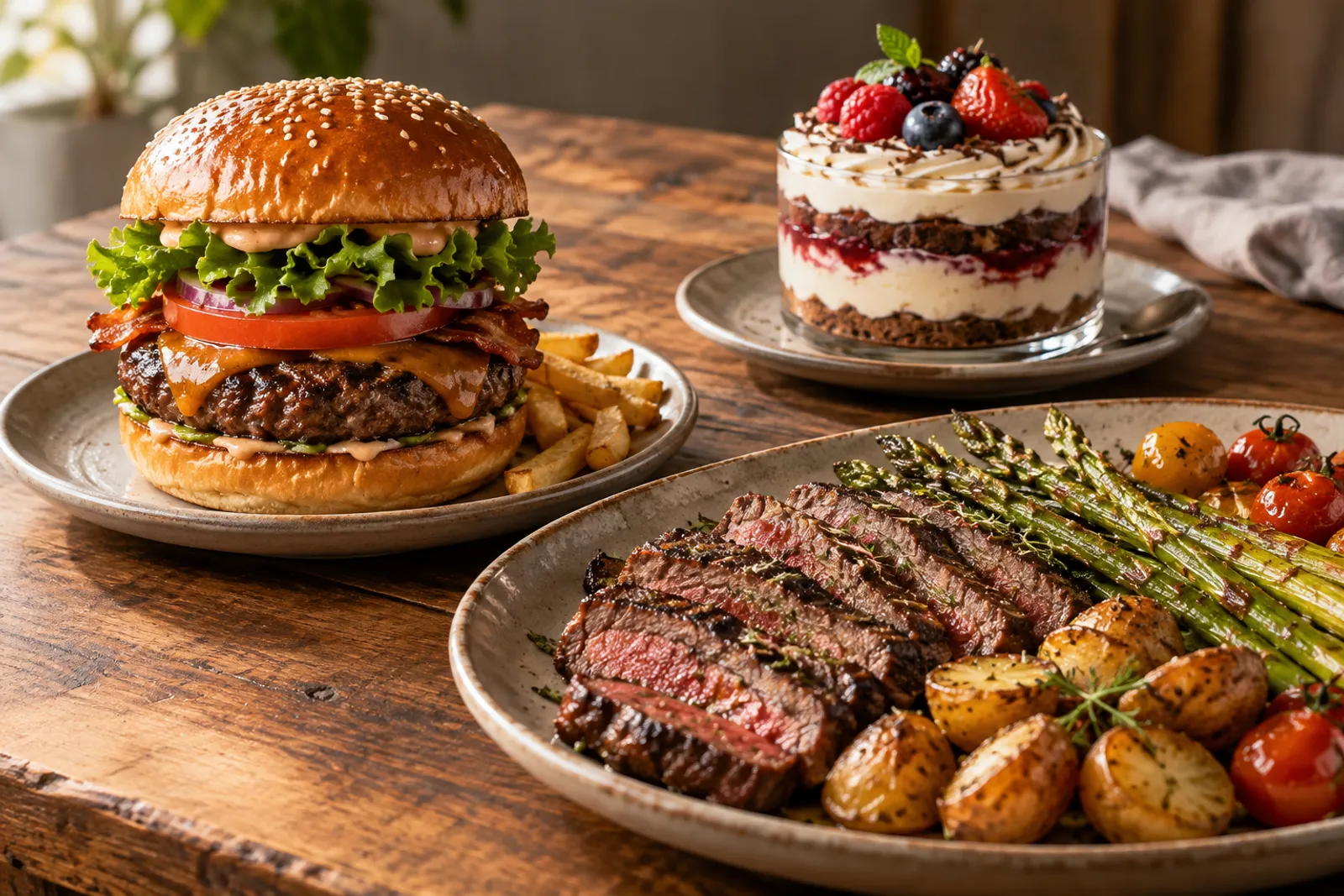
Examples by restaurant type
| Type of venue | Good 3D candidates | Can stay as photo or text |
|---|---|---|
| Burger bar | Star burgers, combo meals, desserts | Sauces, canned drinks, simple sides |
| Pizzeria | Special pizzas, calzone, antipasti platters | Well-known classic pizzas, drinks |
| Patisserie | Cakes, layered pastries, gift boxes | Loose biscuits, coffee |
| Traditional restaurant | Platters, signature dishes, house dessert | Soups, sides, bread |
| Sushi | Large platters and combos, special rolls | Simple rolls, soups |
| Café | Desserts, full breakfast, drinks with presentation | Espresso, teas, water |
Items that don’t need 3D
Standard items that guests know without seeing them — still water, an espresso, a portion of fries — gain nothing from a 3D model. Packaged drinks also present well with a photo or just the name. Put the effort where seeing the dish changes the decision.
Some dishes are also technically hard to scan: clear soups, drinks in transparent glasses, very glossy sauces. For those, a good photo is often the better choice. What scans easily and what doesn’t is covered in the guide to 3D scanning food.
How many dishes in 3D to start
Start with 3–5 dishes. That’s enough for the menu to have “moments” that catch the eye and for you to see how guests react. Then add two or three dishes a month, based on questions from the floor and on sales. Menu3D plans have a limit on active 3D dishes, while items with a photo or text are unlimited, so you can rotate 3D dishes with the seasons.
Real scan or AI
You have two routes to a 3D model: a real scan with your phone, which shows exactly your dish, or a model created with AI from a photo or a description, useful as a quick preview. For star dishes a real scan is always worth it: guests get exactly what they saw. The AI model can fill the slot until you scan. The full comparison is in photo, 3D or AI.
How to check you chose well
- compare the dish’s sales over three or four weeks before and after it got a 3D model;
- ask waiters whether guests mention the dish or show their phone;
- watch which dishes are opened most often in the menu;
- replace 3D dishes that don’t seem to matter with others from your candidate list.
The same principle for products
If you also run a shop — for example you sell your house sauces, gift boxes or pastries online — the same criteria apply to products. For online stores there are 3D and AR product models created with a phone, which customers rotate right on the product page.
A starter list in five minutes
If you want to decide quickly, take the menu and note for each dish how many of the five criteria it meets. Dishes with three or more ticks are the first candidates. Among them, pick those that scan easily (clear volume, no glass or clear liquids) and that the kitchen can plate identically every time.
Then check the balance: ideally, the first 3D dishes cover different categories — a main, a dessert, a platter — so every guest meets at least one 3D dish whatever they browse. As you add new 3D dishes, keep the candidate list up to date and move forward the dishes guests ask about most often.
What to do with dishes that didn’t make it into 3D
Dishes that stay with a photo or text aren’t second-class. For them, a concrete description and a photo taken in natural light, on the same matte table you scan on, make the menu feel consistent. Avoid catalogue photos that don’t look like the real portion: a gap between image and plate undoes the trust your 3D dishes earn.
Frequently asked questions
Can I change 3D dishes with the seasons?
Yes. You attach or remove the 3D model on an item in the dashboard; the plan only limits how many 3D dishes are active at the same time.
Is 3D worth it for drinks?
For drinks with a special presentation (decorated cocktails, milkshakes) it can be; for plain transparent glasses a photo is usually the better fit.
What if a dish doesn’t scan well?
Check the light, the surface and the distance, then rescan. For difficult dishes (clear soups, glass), use a photo.
Read next
Menu engineering: how to grow sales with your menu’s structure and presentation
Menu engineering made simple: how to calculate dish margin and popularity, the four-zone matrix and how to apply the results in your digital menu, step by step.
Read → 5 October 2026 · 7 min readHow to 3D scan food with your phone: a step-by-step guide
A practical guide to 3D scanning dishes with a phone: light, surface, the three rounds around the plate, common mistakes, and what to do with soups, glass or glossy sauces.
Read → 5 October 2026 · 5 min readPhoto, 3D scan or AI: what to choose for each dish on your menu
A practical comparison of photos, phone 3D scanning and 3D models created with AI from a photo or text: fidelity, time, cost and when to use each.
Read →Try it on your own dish
The first 3D dish costs €1 and includes 30 days of Menu3D.